> ## Documentation Index
> Fetch the complete documentation index at: https://docs.paypers.ai/llms.txt
> Use this file to discover all available pages before exploring further.

# หาหลักฐานผ่าน Google Sheet

> การหาหลักฐานผ่าน Google Sheet

# การหาหลักฐานผ่าน Google Sheet

Google Sheet มีลิงก์ไปยังไฟล์ใบเสร็จโดยตรง

## วิธีการค้นหา

<Steps>
  <Step title="เปิด Google Sheet">
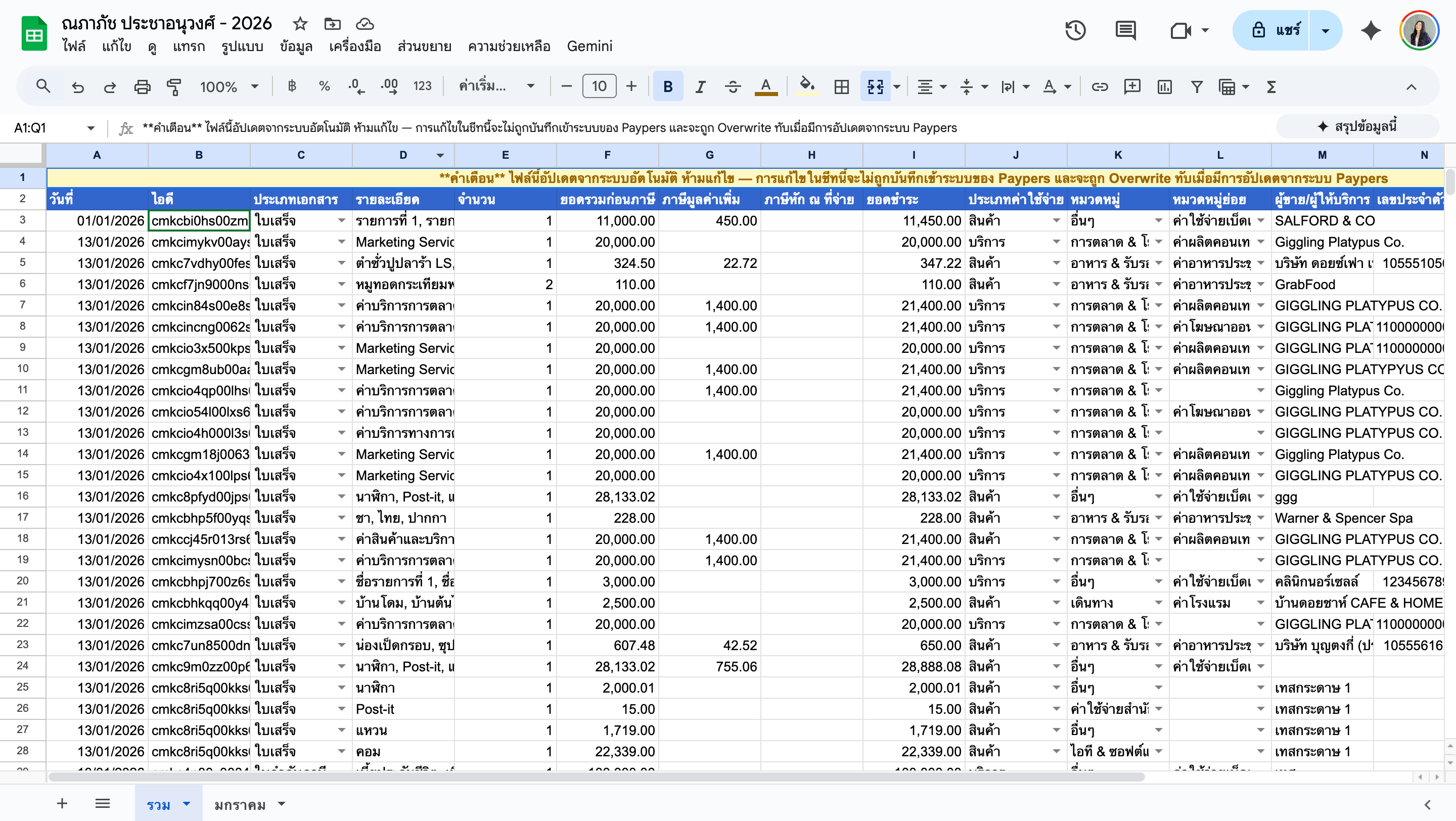
    เปิด Google Sheet รายงานค่าใช้จ่าย

    <img src="https://mintcdn.com/paypers/FZZvlTdPYJ3bpNc5/images/Screenshot2569-01-14at22.50.54.png?fit=max&auto=format&n=FZZvlTdPYJ3bpNc5&q=85&s=e278cf4e2910810d489a175709de26c2" alt="Screenshot 2569 01 14 At 22 50 54" width="2880" height="1624" data-path="images/Screenshot2569-01-14at22.50.54.png" />
  </Step>

  <Step title="ใช้ Ctrl+F">
    กด Ctrl+F (หรือ Cmd+F บน Mac) เพื่อค้นหา
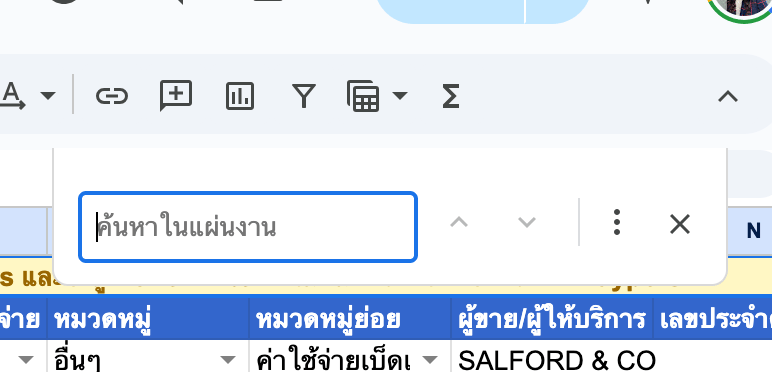
    <img src="https://mintcdn.com/paypers/FZZvlTdPYJ3bpNc5/images/Screenshot2569-01-14at22.51.17.png?fit=max&auto=format&n=FZZvlTdPYJ3bpNc5&q=85&s=0cee5375541a60efe0acd95fb2a1960d" alt="Screenshot 2569 01 14 At 22 51 17" width="772" height="372" data-path="images/Screenshot2569-01-14at22.51.17.png" />
  </Step>

  <Step title="พิมพ์คำค้นหา">
    พิมพ์ชื่อร้านค้า วันที่ หรือรายละเอียดที่ต้องการ
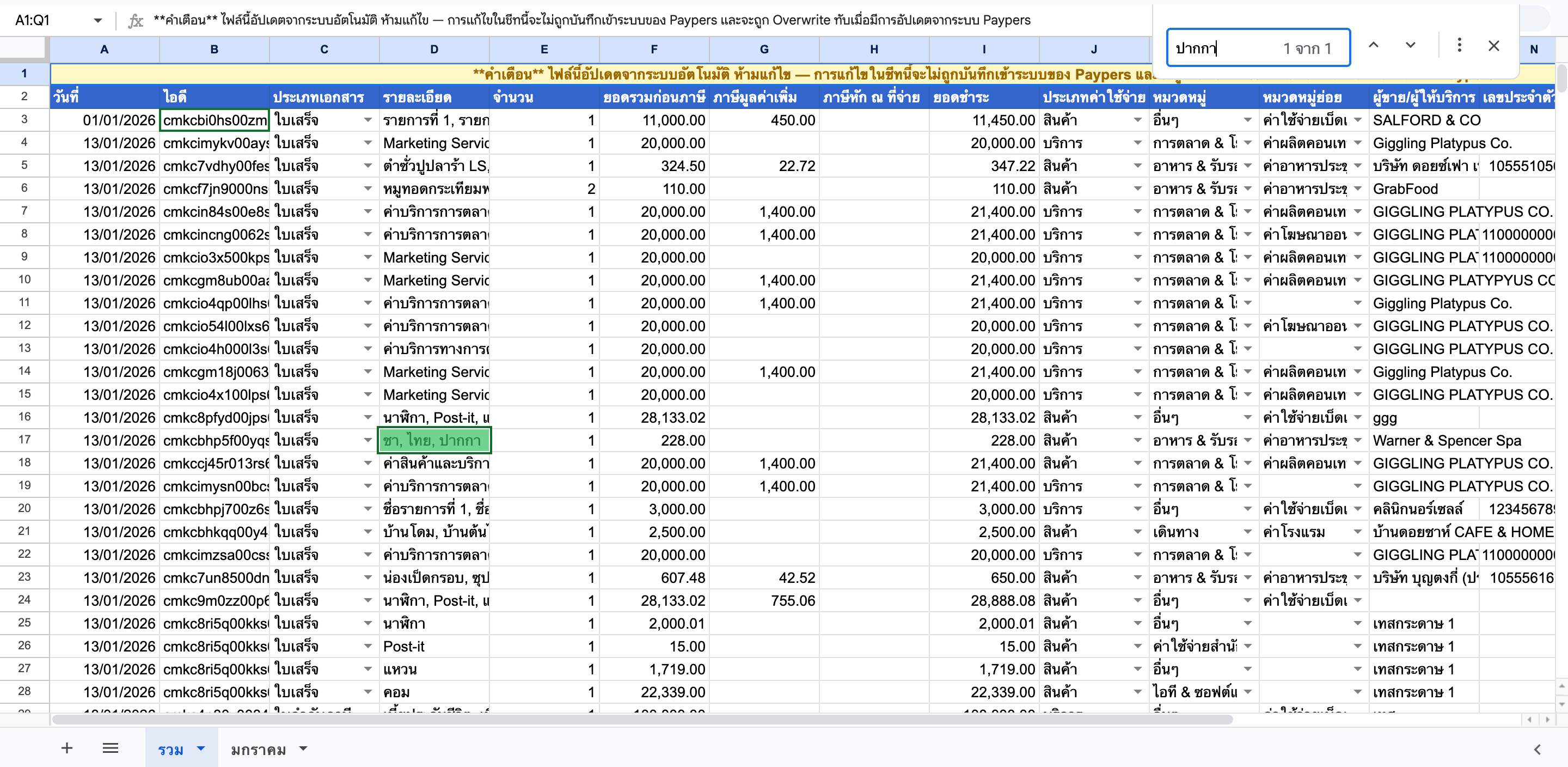
    <img src="https://mintcdn.com/paypers/FZZvlTdPYJ3bpNc5/images/Screenshot2569-01-14at22.52.04.png?fit=max&auto=format&n=FZZvlTdPYJ3bpNc5&q=85&s=75a1ee86df0ceae99d5fe12d32e24a38" alt="Screenshot 2569 01 14 At 22 52 04" width="2880" height="1408" data-path="images/Screenshot2569-01-14at22.52.04.png" />
  </Step>

  <Step title="คลิกลิงก์">
    คลิกลิงก์ในคอลัมน์ไฟล์เพื่อเปิดใบเสร็จ
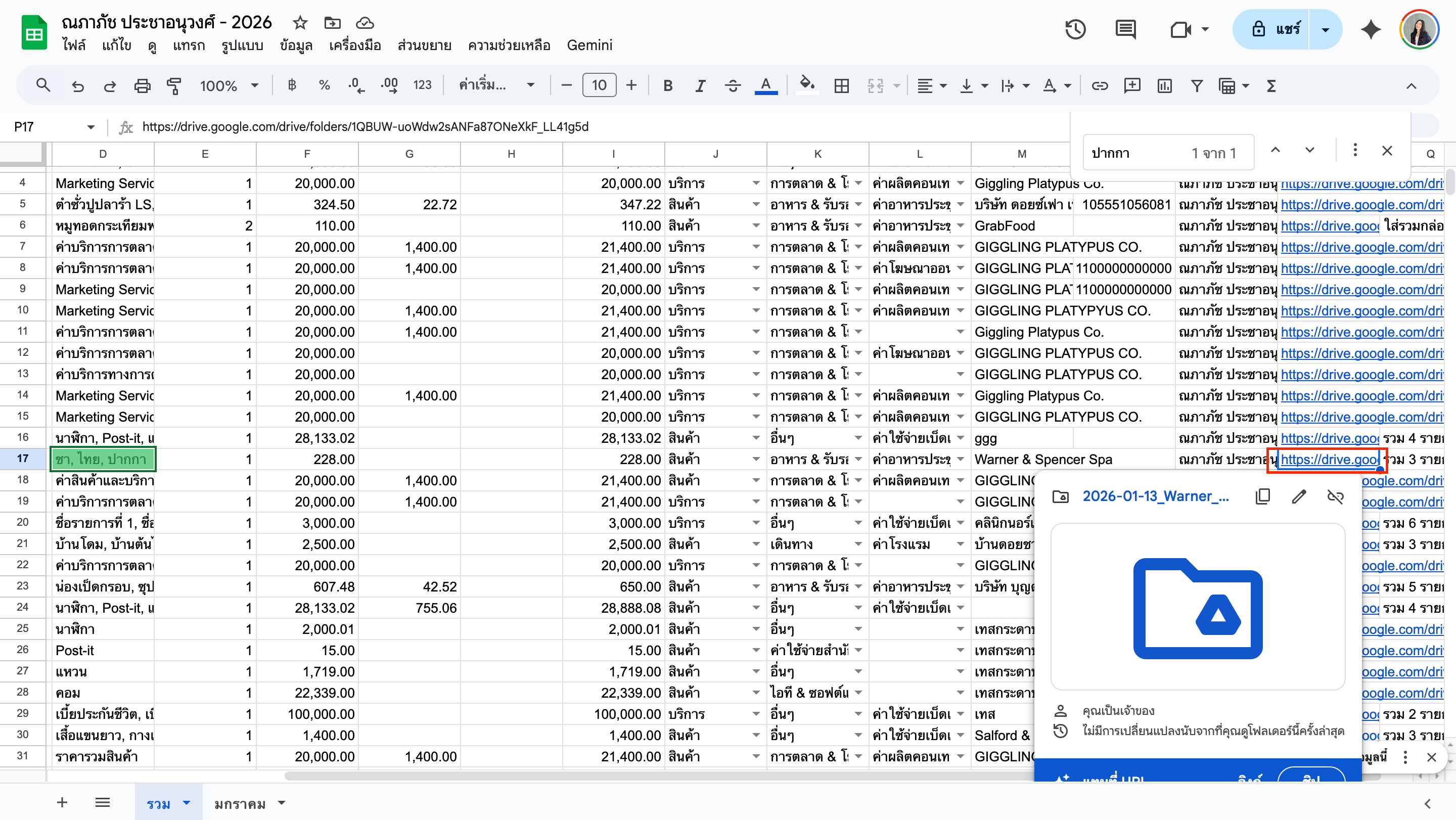
    <img src="https://mintcdn.com/paypers/FZZvlTdPYJ3bpNc5/images/Screenshot2569-01-14at22.52.33.png?fit=max&auto=format&n=FZZvlTdPYJ3bpNc5&q=85&s=247801a45692f3f09537beb263709897" alt="Screenshot 2569 01 14 At 22 52 33" width="2880" height="1622" data-path="images/Screenshot2569-01-14at22.52.33.png" />
  </Step>
</Steps>

## คอลัมน์สำคัญ

* **วันที่** - วันที่ใบเสร็จ
* **ร้านค้า** - ชื่อร้านค้า/ผู้ให้บริการ
* **รายละเอียด** - รายละเอียดค่าใช้จ่าย
* **ลิงก์ไฟล์** - ลิงก์ไปยังไฟล์ใน Google Drive

<Tip>
  ใช้ฟีเจอร์ Filter เพื่อกรองข้อมูลตามเดือนหรือหมวดหมู่
</Tip>